
How to buy on RizzitGo
Follow the process from finding a product to reviewing warehouse photos and receiving your parcel.
1. Find the exact item
Search this spreadsheet by product name or Weidian item ID. Open a result and compare its seller photos, reference price, and item number. Use Image Search when you have a photo and no useful keywords.
Open spreadsheet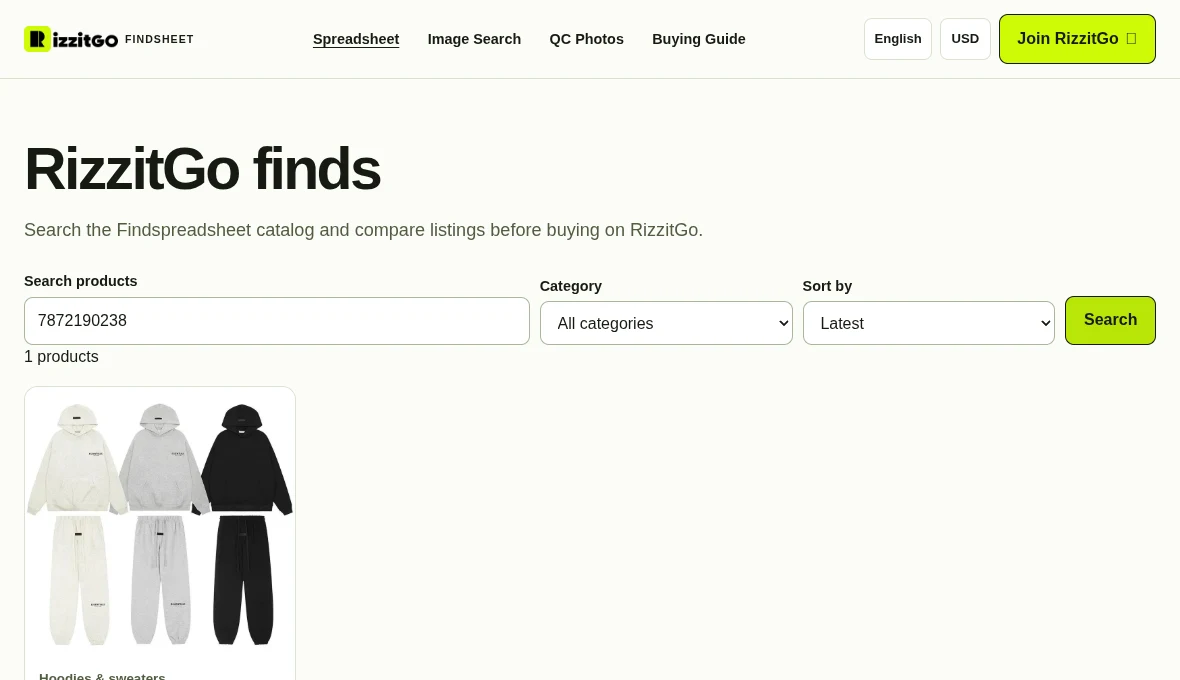
2. Compare photos and options
Use the thumbnails below the main photo and select any available style or size. Check warehouse photos below the listing when available. Copy the Weidian link or choose an agent from Other purchasing platforms.
Open sample product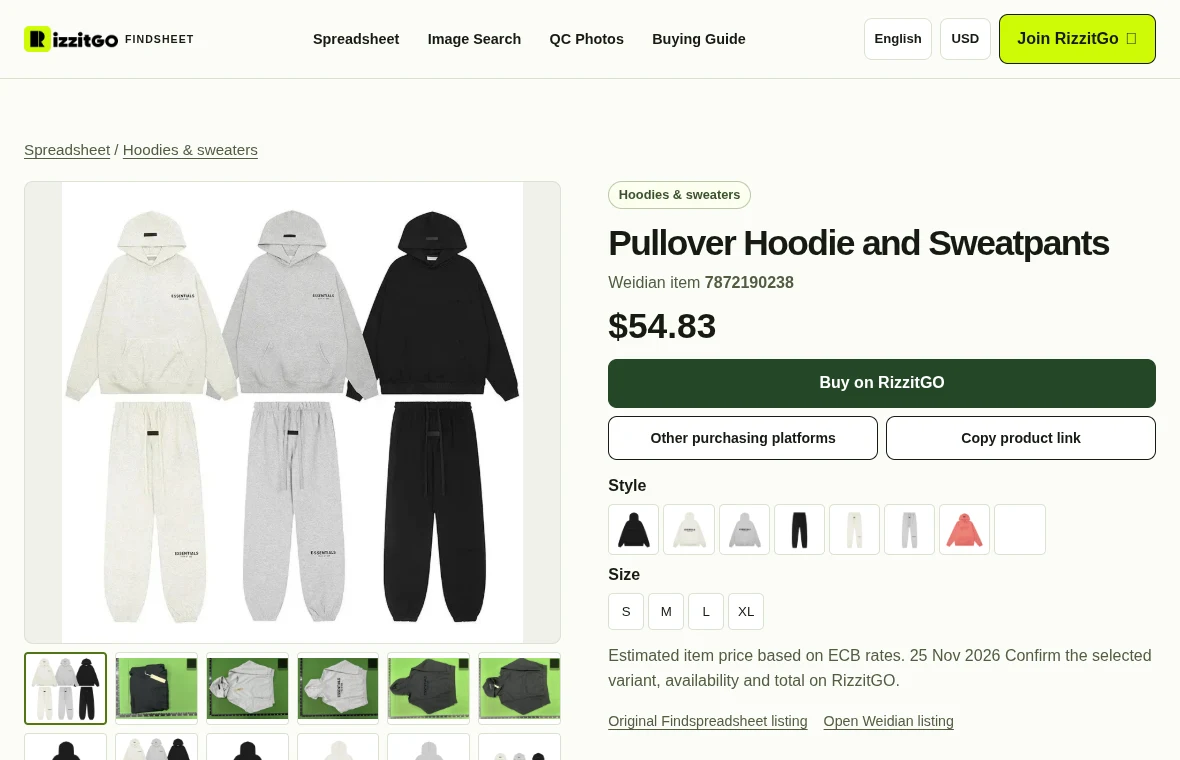
3. Choose a variant on RizzitGO
Select Buy on RizzitGO from the product page. On RizzitGO, confirm the listing, color, size, quantity, and availability. Use Add to Bag for several items or Buy Now for a single order.
Open RizzitGO example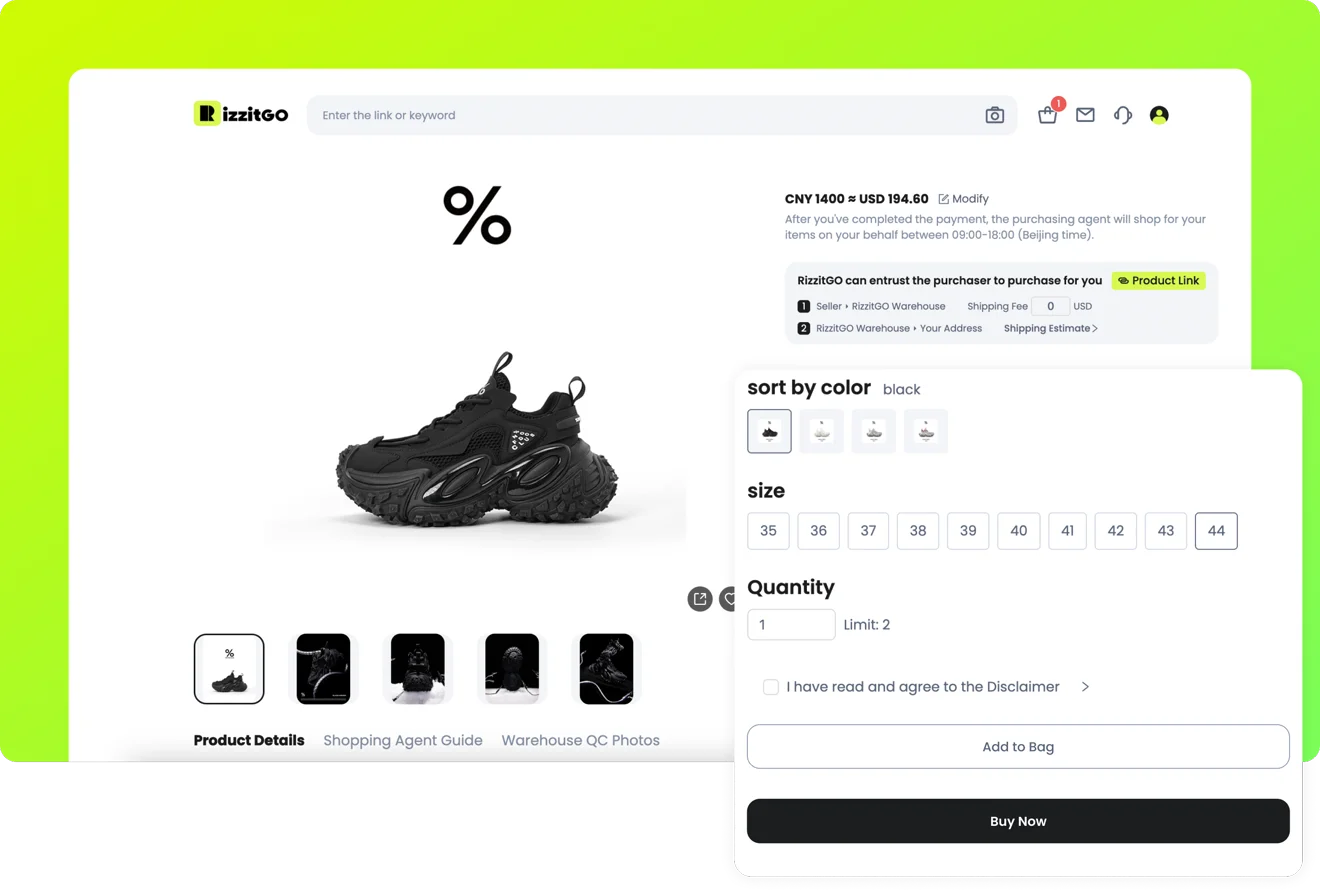
4. Review checkout and payment
Review the item total, applicable delivery within China, and available payment methods at checkout. Save the order number. International shipping is quoted when you prepare a parcel.
Open official walkthrough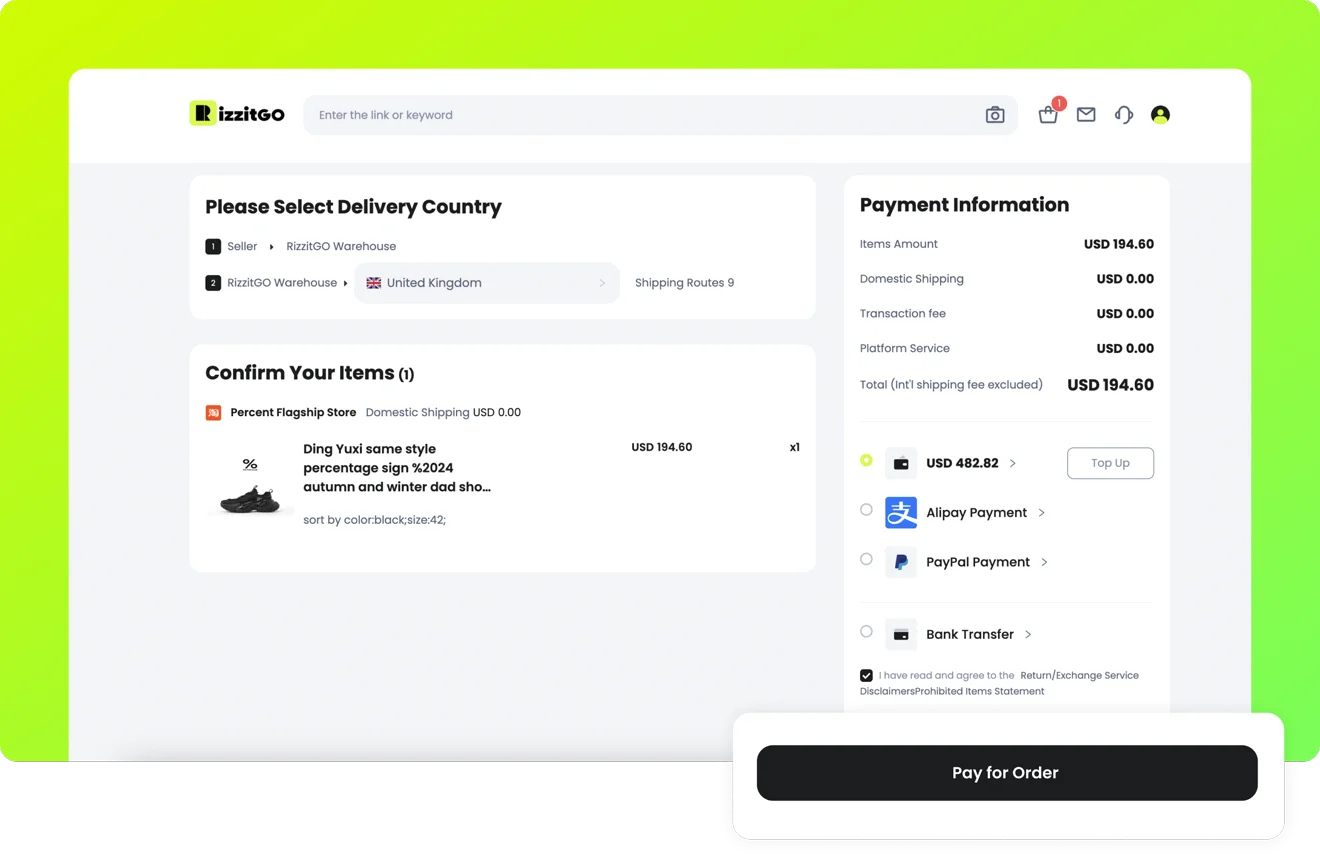
5. Follow your order
Open the order in RizzitGO to see its status. Use Order Enquiry if the agent asks about a variant, a price change, or an unavailable item. Include the order number and the exact choice you want confirmed.
Open official walkthrough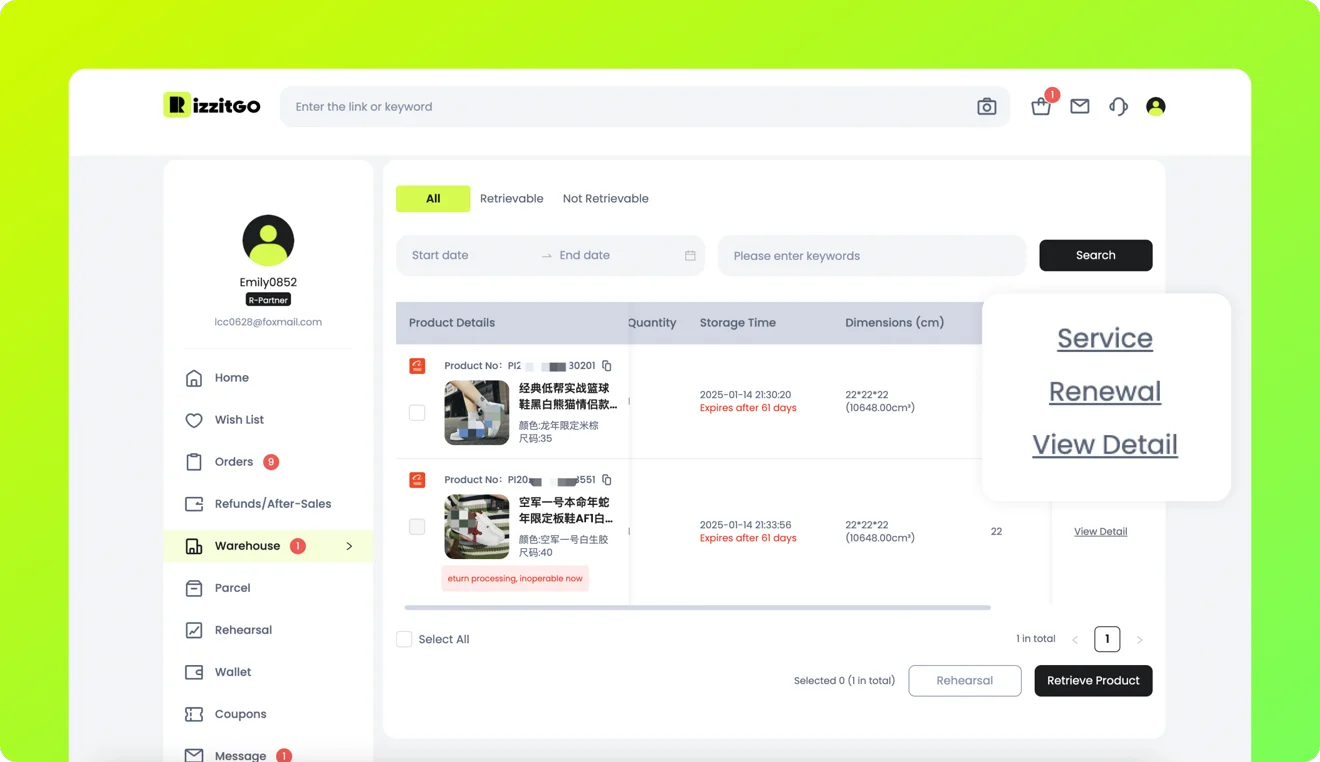
6. Inspect warehouse photos
Go to User Center → Warehouse in RizzitGO after your items arrive. Compare the pictured variant, label, measurements, and condition. Request an additional photo or contact the agent before submitting the parcel if you see a problem.
Check public QC7. Estimate shipping and prepare a parcel
Check the destination, actual weight, package dimensions, and product restrictions in the Freight Calculator. In Warehouse, select the items you want to consolidate, enter your address, choose an available route, and review the estimated deposit.
Open freight calculator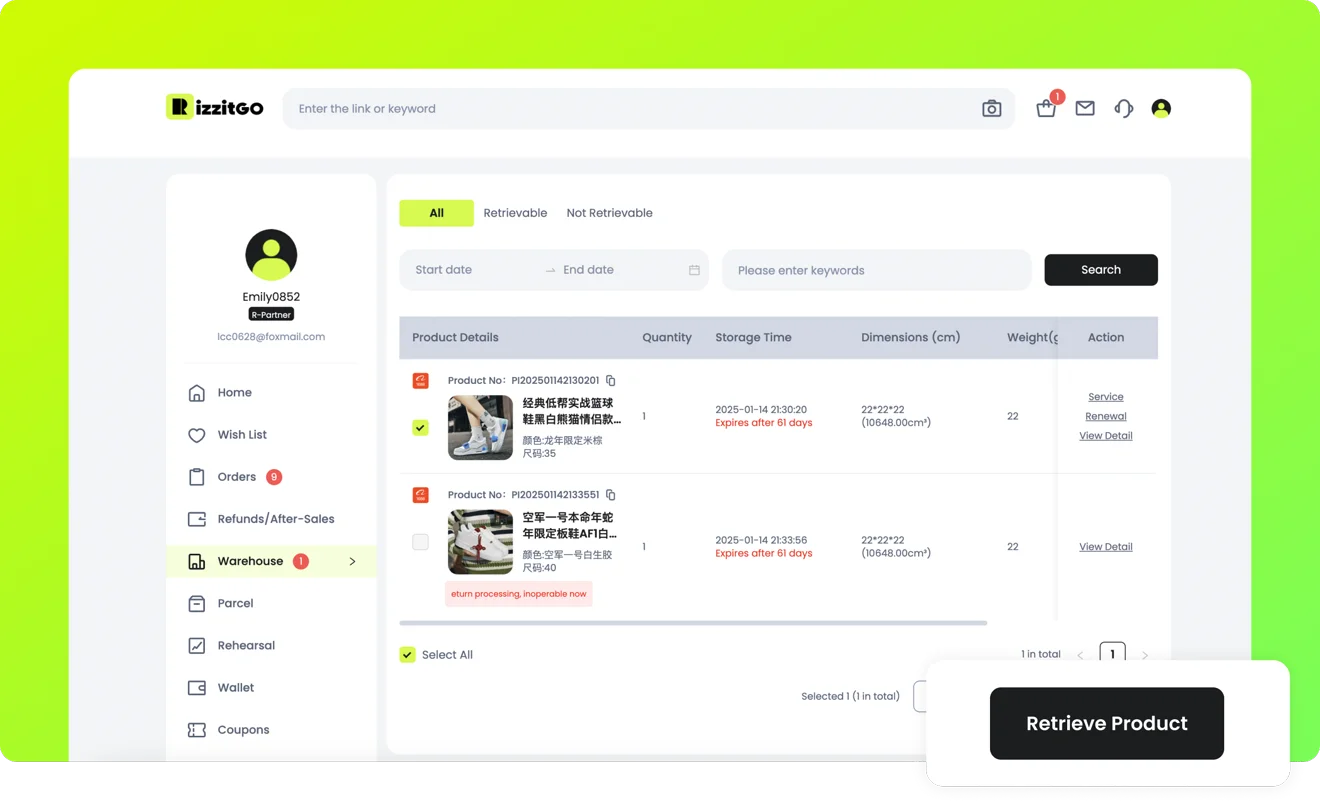
8. Track the parcel
After dispatch, open User Center → Parcels and select the parcel. Use View Tracking in the parcel details. Save the tracking number and use the carrier’s updates if you need to follow a handoff.
Open official walkthrough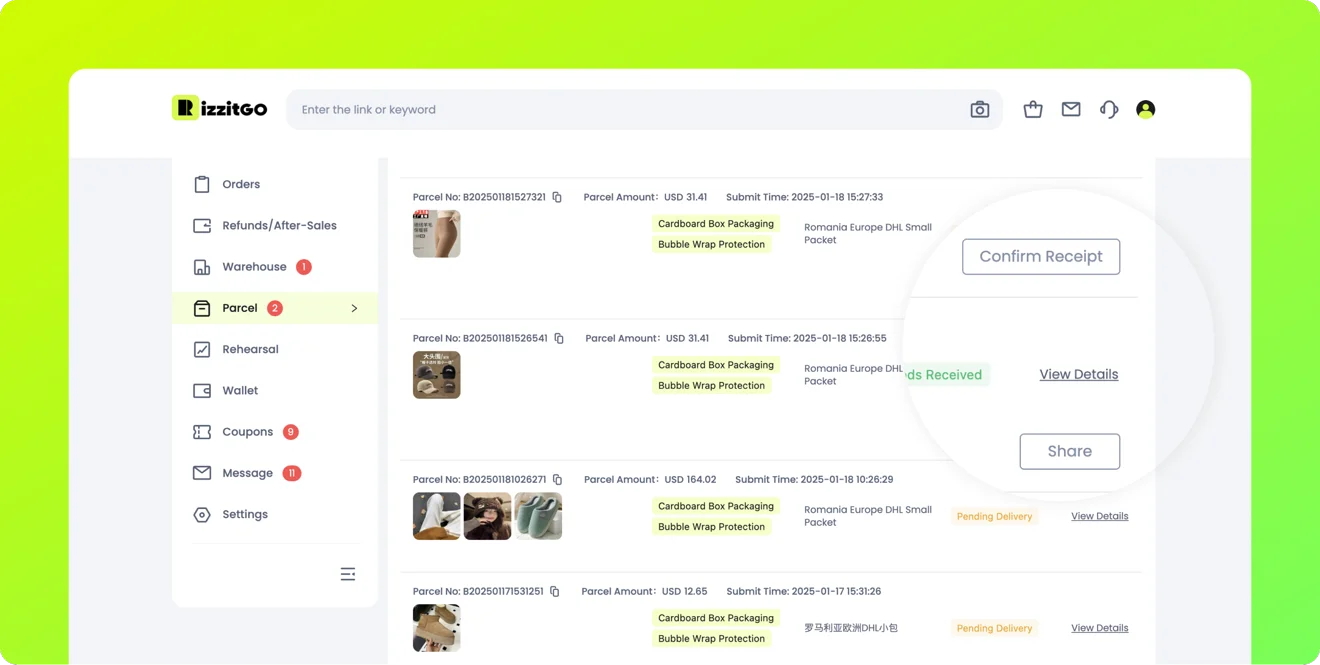
9. Confirm receipt or request help
Compare the goods received with your order and warehouse photos. Confirm receipt in Parcels when you have checked the delivery. Use the parcel’s after-sales option if you need help with missing or damaged items.
Open official walkthrough